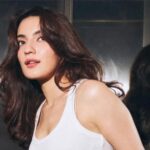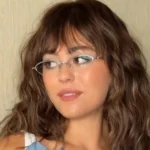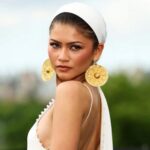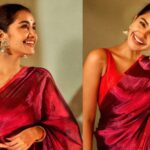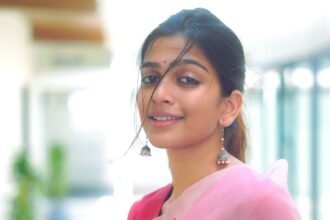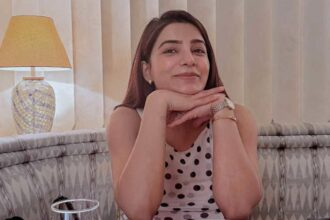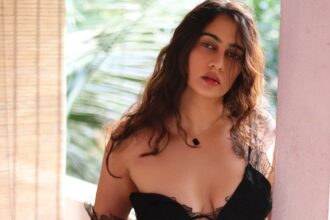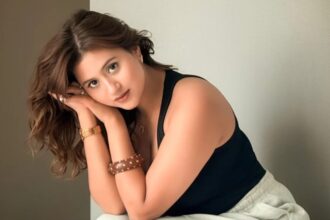




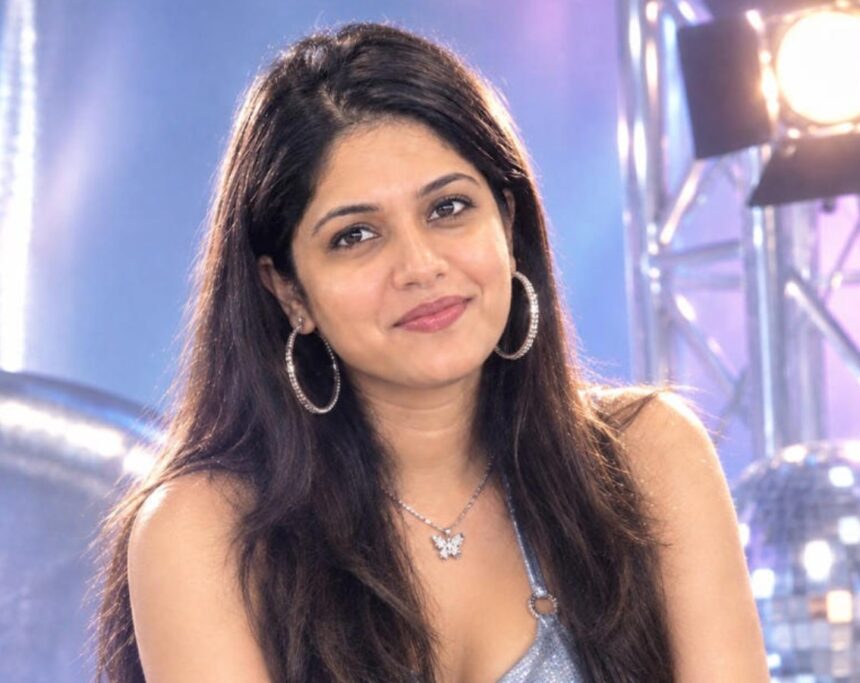
The AI photo trend inspired by the 1980s is taking social media by storm, with users transforming ordinary pictures into retro portraits featuring period fashion, hairstyles, lighting and analogue photography effects.
If you want to move beyond the ’80s aesthetic, ChatGPT can also be used to recreate the distinctive visual language of the 1990s and early 2000s. From classic studio portraits and family holiday snapshots to Bollywood-inspired glamour and Y2K fashion, a well-written prompt can help give a modern photograph a convincing throwback appearance.
Here are five prompts you can copy and try with your own photo.
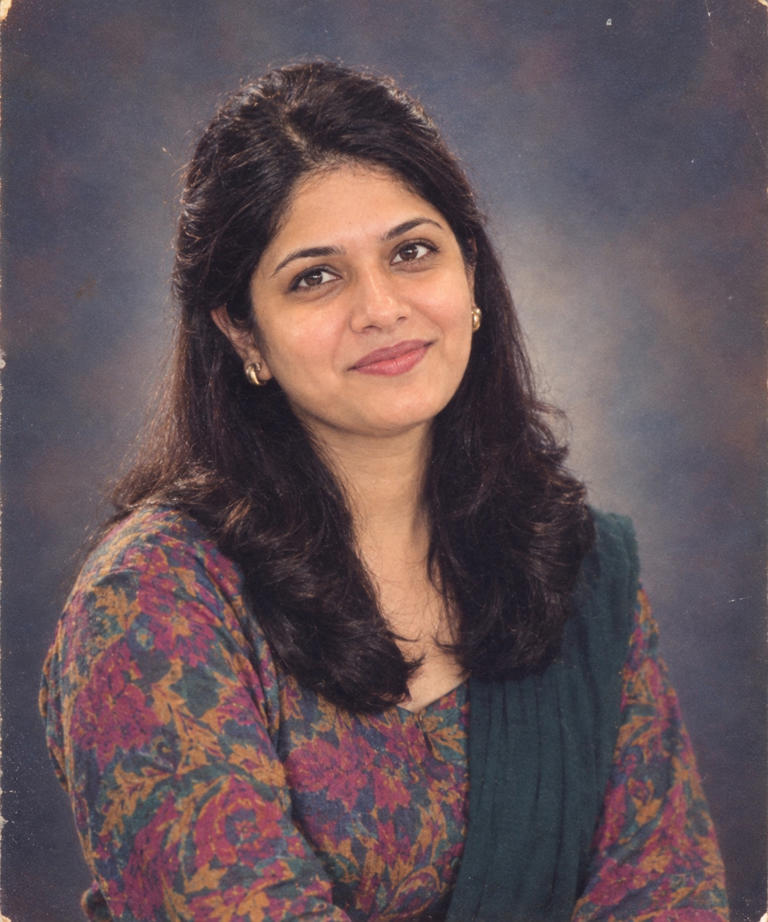
1. Classic 1990s Studio Portrait
Create a traditional 1990s studio portrait from my uploaded photograph. Keep my identity, facial structure, skin tone and recognisable natural features intact. Give me a hairstyle and outfit inspired by authentic 1990s fashion. Use a simple studio background with soft yet slightly direct studio lighting.
See more of our coverage in your search results.
Add Hunterfly on GoogleMake the image resemble a photograph captured on a consumer film camera of that period. Include subtle analogue grain, mildly faded colours and small photographic imperfections. Avoid an overly polished modern digital-camera appearance.
2. 1990s Holiday Photograph
Turn my uploaded photo into a candid vacation photograph that looks as though it was taken during the 1990s. Preserve my face and identity while changing the clothing and overall styling to match the decade.
Place me in a bright, sunny travel setting and recreate the characteristics of a consumer film camera. Use warm colours, slightly washed-out highlights, natural body language, analogue grain and imperfect framing.
The finished picture should resemble an authentic family holiday photograph rather than a modern image with a simple vintage filter applied.
3. 1990s Bollywood-Inspired Portrait
Transform my uploaded photograph into a glamorous Indian film-inspired portrait with the visual character of the 1990s. Keep my facial identity and natural features recognisable.
See more of our coverage in your search results.
Add Hunterfly on GoogleUse authentic 1990s Indian clothing, hairstyles and accessories. Add dramatic studio lighting, rich but slightly faded colours, gentle soft focus and realistic analogue film grain.
The final image should feel like a 1990s Bollywood magazine portrait or film publicity photograph, while avoiding the appearance of a contemporary photograph with a generic retro effect.
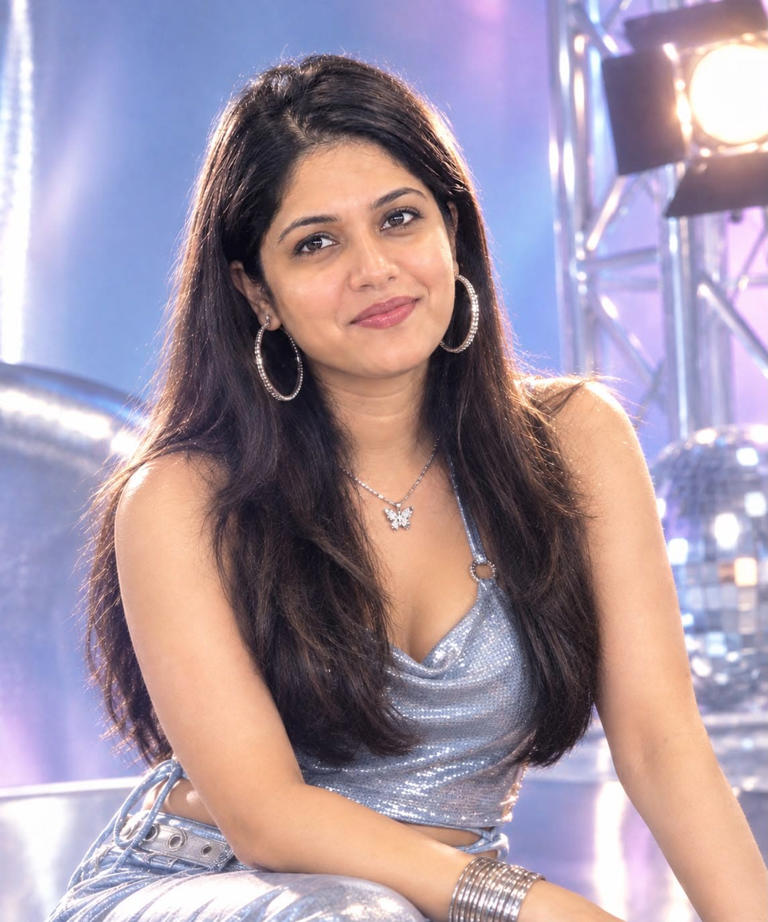
4. Early-2000s Y2K Fashion Shoot
Turn my uploaded photo into an early-2000s Y2K fashion editorial. Keep my facial features, identity and natural appearance recognisable.
See more of our coverage in your search results.
Add Hunterfly on GoogleStyle me in period-appropriate Y2K clothing incorporating elements such as denim, metallic accents, statement accessories and glossy textures. Use bright studio lighting and a slightly cool colour treatment inspired by early-2000s fashion magazines.
Add subtle characteristics associated with early digital cameras while keeping the photograph realistic. Avoid making it look like a modern image with an exaggerated Y2K filter.
5. 2000s Pop-Star Photoshoot
Transform my uploaded photograph into an early-2000s pop-star promotional photoshoot. Preserve my facial identity and natural features.
Give me authentic Y2K-era styling, including glossy makeup, period-appropriate accessories and fashion inspired by the 2003–2006 pop culture aesthetic. Use dramatic studio lighting with metallic and pastel elements, gentle soft-focus effects and the slightly artificial image quality associated with early digital photography.
Make the result resemble a professional promotional photograph from the early-to-mid 2000s while keeping my identity clearly recognisable.
How to Create These Retro AI Photos in ChatGPT
You can try these prompts directly through ChatGPT’s image-generation experience.
Step 1: Open Images in ChatGPT
Go to the Images section in ChatGPT.
Step 2: Upload Your Photograph
Choose the picture you want to transform. A clear, well-lit image generally gives the model more visual information to work with.
Step 3: Paste a Prompt
Copy one of the prompts above and add it along with your uploaded image.
Step 4: Generate the Image
Submit the prompt and wait for ChatGPT to create the retro-inspired version of your photograph.
Step 5: Refine the Result
If the first result does not match what you had in mind, continue the conversation with more specific instructions. You can ask for changes to the hairstyle, clothing, lighting, background, colours, camera characteristics or overall decade-specific styling.
The more precisely you describe the visual details you want, the easier it is to steer the result toward a particular 1990s or 2000s aesthetic.